
How to Search Lubbock County Court Records
The search begins with the county's official Online Access to Court Records service. Lubbock County runs a free Public Access portal that holds County Clerk and District Clerk case data. The Online Access to Court Records page explains how to register and what the portal shows. Justice of the Peace records are not in the portal yet. The county says JP records will be added as the system grows. Registered users see the case index, general case details, parties, attorneys, and scheduling data. They do not see document images.
Have your facts ready before you start. A full party name helps. A case number helps more. The portal returns the index and party list, not the scanned pages. For images or older files, you use courthouse terminals or ask the clerk who holds the file.
- Open the Public Access portal and create a free registered account. You must validate your email within three days.
- Pick the court or clerk. County Clerk and District Clerk records are live now.
- Enter a party name or a case number. District cases filed after August 2021 use hyphens.
- Review the case index, parties, attorneys, and hearing settings.
- For a document image or a certified copy, use a courthouse terminal at 904 Broadway or ask the clerk.
The county's own access page spells out the registration rule and the on-site terminal notice.
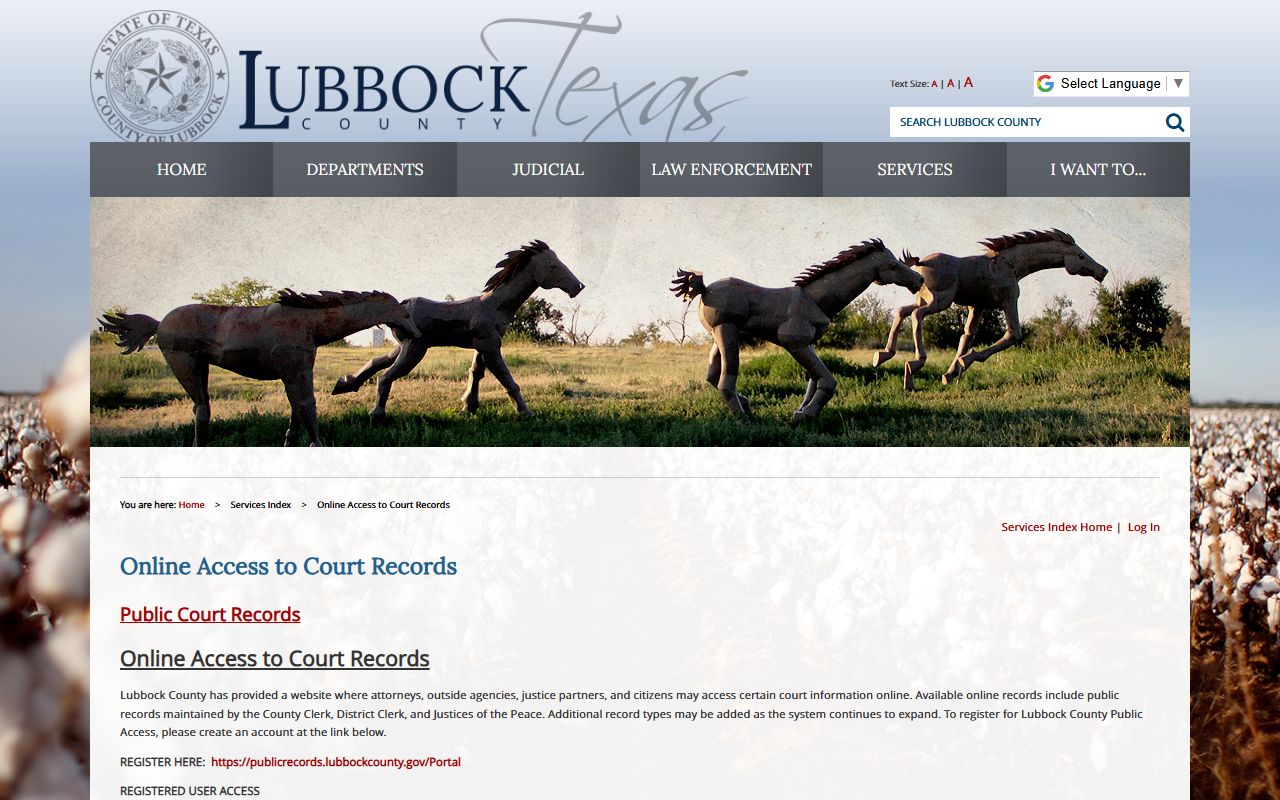
That page also notes that attorneys, agencies, and justice partners may request elevated access by role, while an ordinary user can bypass that prompt and stay on standard public access.
Lubbock County Court Records Search Fields
The portal uses a short set of fields. The county did not expose every label in plain text, but it does describe what registered access covers. The table below lists the fields and rules the county states for public court records access. A registered account is the gate. The case number or party name drives most searches.
| Field Label | Type | Required | Notes / Format |
|---|---|---|---|
| Registration / sign-in account | Account | Yes | Free sign-up; validate email within three days. |
| Search location / court | Dropdown | No | County Clerk and District Clerk records are live; JP records are planned. |
| Case number | Text | No | Hyphens required for district cases after August 2021. |
| Party name | Text | No | Returns the case index and party list. |
| Attorney | Text | No | Registered access includes attorney data. |
| Scheduling information | Display / filter | No | Hearing and setting data shows for registered users. |
| Document images | N/A | N/A | Not in standard public access; use a terminal or ask the custodian. |
If a case will not come up, the District Clerk runs an eFiling support line at 806-775-1577, and a separate criminal eFiling line at 806-775-1578.
Lubbock County Case Number Formats
A clean case number is the fastest way into a file. The District Clerk assigns cause numbers by case type, and the format changed in recent years. Cases filed after August 2021 use hyphens. Older cases use a longer run-together format with no hyphens. Knowing the pattern tells you the court and the kind of case at a glance.
| Case Type | Format |
|---|---|
| Civil case | DC-YYYY-CV-XXXX |
| Family case | DC-YYYY-FM-XXXX |
| Felony criminal case | DC-YYYY-CR-XXXX |
| Criminal magistrate case | PFF-YYYY-MAG-XXXX |
The four digits at the end are the filing sequence for that year. So DC stands for District Court, CV for civil, FM for family, and CR for a felony. The PFF prefix marks a magistrate filing tied to a defendant. For cases filed before August 2021, use the older format with no hyphen and no comma, such as 2015123456, with a letter suffix like 2015123456A when one applies.
Types of Lubbock County Court Records
Lubbock County court records cover many case types, and the office that holds each file depends on the court. District courts make felony, civil, and family records. County courts at law make misdemeanor, civil, and probate records. Justice courts make small civil, traffic, and Class C records. Each clerk indexes its own files and sets its own copy rules. That split is why the right office matters before you search.
These are the main record types you can look for across the county.
- Civil records - petitions, answers, motions, orders, and judgments filed with the District or County Clerk.
- Family records - divorce, custody, child support, and protective orders held by the District Clerk under the DC-year-FM format.
- Criminal records - felony cases at the district courts and county-level criminal files at the County Clerk.
- Probate and guardianship records - wills, estates, and guardianships kept by the County Clerk.
- Traffic and Class C records - tickets and fine-only offenses heard in the JP precincts.
For tickets and fine-only matters, the Lubbock County traffic court records page covers the JP and municipal split in more depth.
What Lubbock County Court Records Show
A court file is more than a verdict. Each case holds a docket, which is the dated log of every filing and event. The portal shows the case index, parties, attorneys, and settings. A full record adds the pleadings, motions, signed orders, and the final judgment. The fields below appear in a typical Lubbock County court record. Use them to read a case index without guessing.
| Field | What It Shows |
|---|---|
| Case Number | The cause number set by the clerk, such as DC-2023-CV-1234. |
| Court and Court Number | Which district court, county court at law, or JP precinct holds the case. |
| Filing Date | When the case was opened with the court. |
| Parties | Plaintiff and defendant, or petitioner and respondent. |
| Attorneys | The lawyers of record, sometimes with bar numbers and roles. |
| Docket / Events | The dated log of filings, hearings, orders, and resets. |
| Disposition | The final outcome of a charge or the case. |
| Judgment / Sentence | The ruling or penalty the judge signed. |
Some fields are hidden by law. Social Security numbers, juvenile data, medical data, and sealed material do not show in public search results.
Common Court Record Terms
Court files use short codes and legal terms that can trip up a first-time reader. A few words come up in almost every Lubbock County court record. The list below defines the ones you will meet most often. Read the disposition before you judge any case.
- Cause number
- The official case number the clerk assigns.
- Docket
- The dated list of every filing, setting, and event.
- Disposition
- The final outcome of a charge or case.
- Capias
- A court order to arrest, often after a missed date.
- Default judgment
- A ruling entered when a served party does not respond.
- Dismissed with prejudice
- A case closed for good that cannot be refiled on the same claim.
A charge is not a conviction. An arrest only means a person was booked. The Lubbock County arrest records page goes deeper on that difference.
Public Access Laws for Lubbock County Court Records
Texas treats agency records and court records under different rules. Most government records fall under the Texas Public Information Act. Courts do not. The Texas judiciary states that courts are not subject to the Public Information Act for judicial records, and that Rule 12 governs judicial records other than case files. Court case records follow court rules, statutes, and the county's own electronic access policy. So a sheriff file and a court file can sit under separate laws even when they touch the same case.
A few rules shape what stays open and what gets closed. The Public Information Act sets the open-records standard for county and sheriff agency files. Rule 12 covers judicial records that are not case files. Both are linked below.
Key Statutes:
Texas Government Code Chapter 552 - the Public Information Act, which sets the open-records rule for county and sheriff agency files and is construed in favor of access.
Texas Rule of Judicial Administration 12 - governs public access to judicial records other than court case files.
The Texas judiciary lays out this framework on its own open-records page.
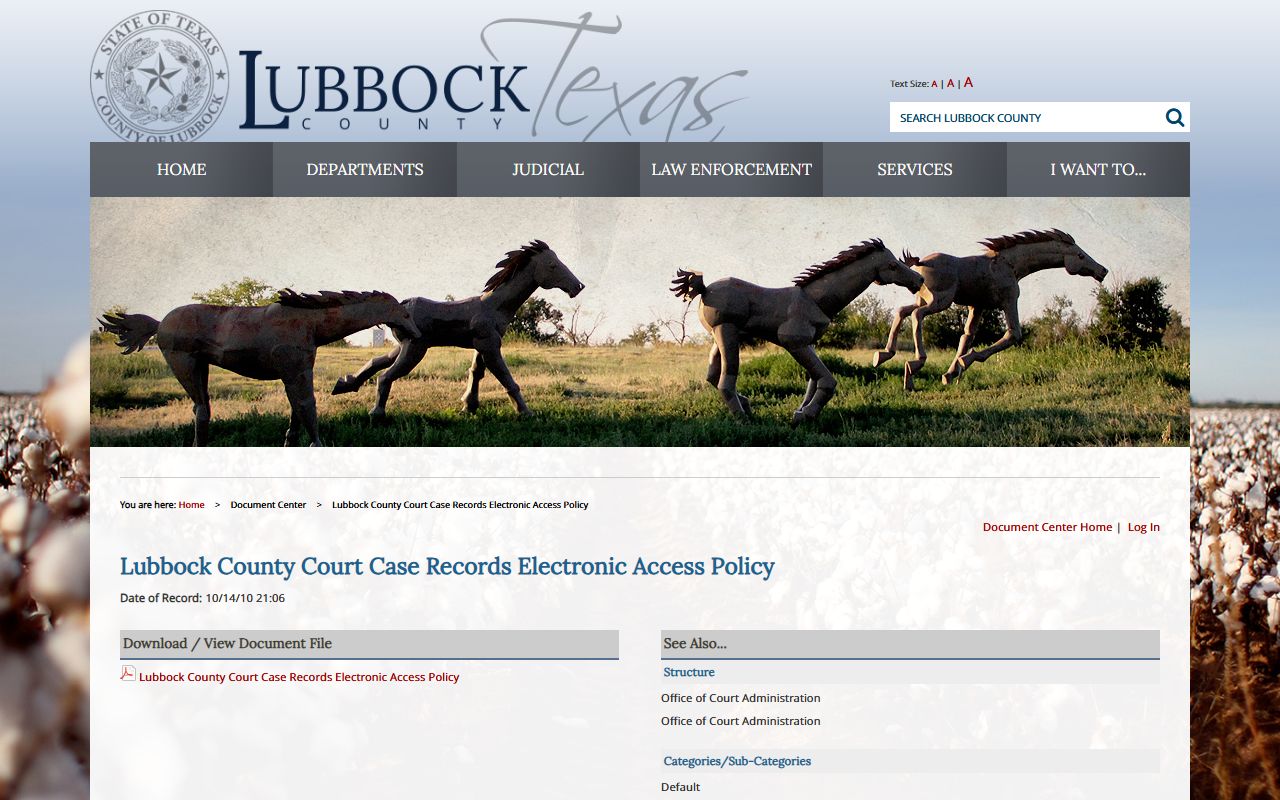
The Lubbock County Court Case Records Electronic Access Policy shown above sets the local rules for how the county posts case data online and what it withholds.
Sealed and Confidential Lubbock County Court Records
Not every court file is open. Texas law shields several kinds of records from public view. Juvenile justice files are restricted under Texas Family Code Chapter 58. Adoption records are confidential under Chapter 162. Expunged arrests are removed from public access under Code of Criminal Procedure Chapter 55A. Nondisclosed records cannot be released to the public by criminal justice agencies under Government Code Chapter 411. Sealed civil records follow Rule of Civil Procedure 76a. Victim identifying data, medical records, and Social Security numbers are also protected by law.
To view or unseal a restricted file, a person usually must file a motion in the proper court and show a legal basis. Expunction is stronger than nondisclosure. An expunction order tells agencies to destroy or remove a qualifying arrest record. A nondisclosure order does not erase the record. It only blocks public release of covered criminal history. The District Clerk runs an Expunctions line at 806-775-1373 for these filings. Sealed documents must be filed over the counter or by mail in a marked sealed envelope, not by standard e-file.
In-Person Court Record Requests
When a record is not online, the courthouse is the next stop. Public-access computers at 904 Broadway let you search records, view documents including some files restricted from online viewing, and request copies from the custodian. The District Clerk handles district court, felony, civil, and family files. The County Clerk handles county civil, criminal, probate, and marriage records. Bring a government photo ID and the case number if you have one. The District Clerk certified copy from the archive runs $1.00 per page after a five business day wait.
Lubbock County District Clerk
904 Broadway
Lubbock, TX 79401
806-775-1585
Mon-Fri 8:00 AM - 5:00 PM
Lubbock County Clerk
904 Broadway, Room 207
Lubbock, TX 79401
806-775-1076
Lobby 8:30 AM - 4:30 PM
Each office covers its own files, so call the matching division first to confirm what to bring and how to pay.
Accuracy of Online Court Records
Online data can lag. A new filing, a plea, or a release may take time to post. The portal also leaves out document images and some restricted files. When a date, a charge, or an outcome matters, confirm it with the clerk who holds the file.
Note: Always verify a name, date, or disposition with the District Clerk or County Clerk before you rely on any online Lubbock County court record.